
No real secret. Just hard work.
The UA accessibility widget is original engineering — a lightweight JavaScript that loads after the page, detects every element and aligns it with WCAG requirements. No slowdown, no design changes.
What makes our widget different
Technology that adapts to your website — not the other way around

On-brand
The accessibility menu adapts to your site's colors, fonts and language. Visitors do not feel they are looking at a "third-party widget" — it feels like a native part of the site.
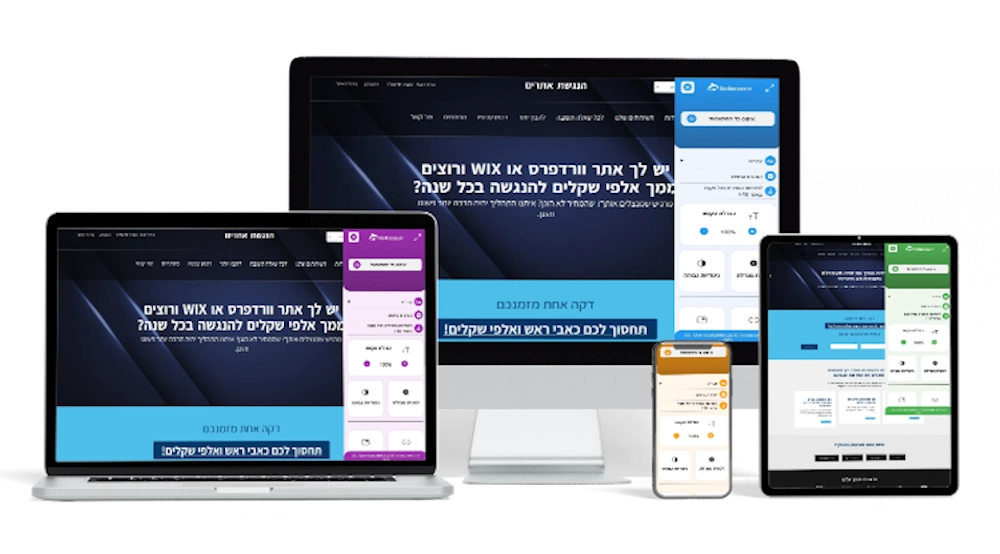
Works on every device
Mobile, tablet, desktop — the widget detects the device and adapts the menu accordingly. Optimal rendering in every browser and at every resolution.
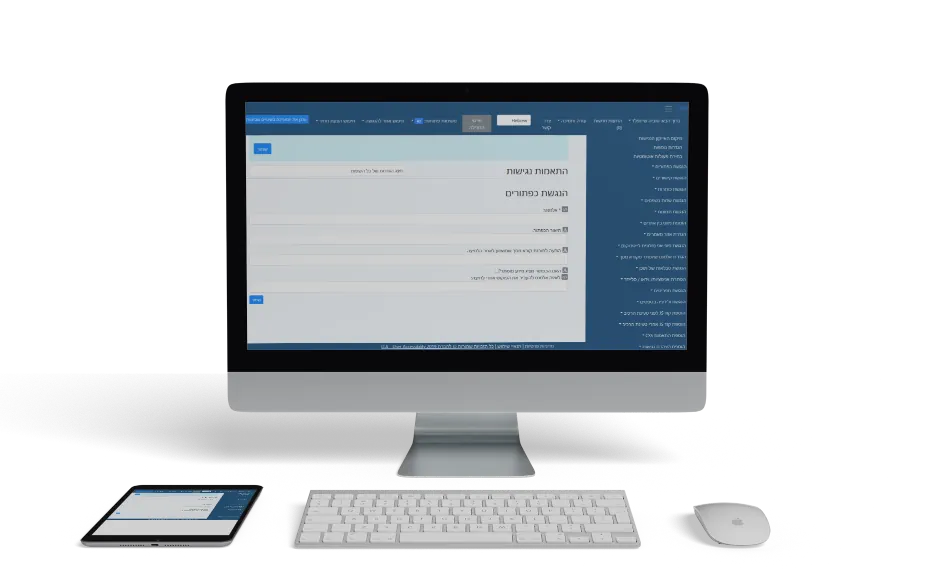
Built-in monitoring
Our monitoring system inspects every page visitors land on. If something changed on the site and broke accessibility — we know about it in real time.
How it works under the hood
Technology built from the ground up to serve real-world websites
A lightweight JavaScript layer
Our widget loads after the page is ready (DOMContentLoaded). It scans every element on the page — images, forms, buttons, links, tables — and adds the attributes they need: ARIA tags, roles, labels and semantic structure.
Zero performance impact
The script weighs less than 50KB (gzipped) and loads asynchronously. It does not block page rendering, does not add unnecessary requests and does not affect CLS or LCP. Your Core Web Vitals scores stay untouched.
Automatic updates
Every change to regulations or WCAG guidance is updated in the widget automatically. You do not need to do a thing — the update rolls out to every site at once, with no reinstall required.
Want to see it in action?
Check your site's accessibility for free, or pick the package that fits you.