
Every feature inside our accessibility menu
More than just WCAG 2.1 AA / ADA compliance — we let every visitor tailor the web to themselves. Our accessibility menu gives every user the tools to adapt your site to their personal needs.
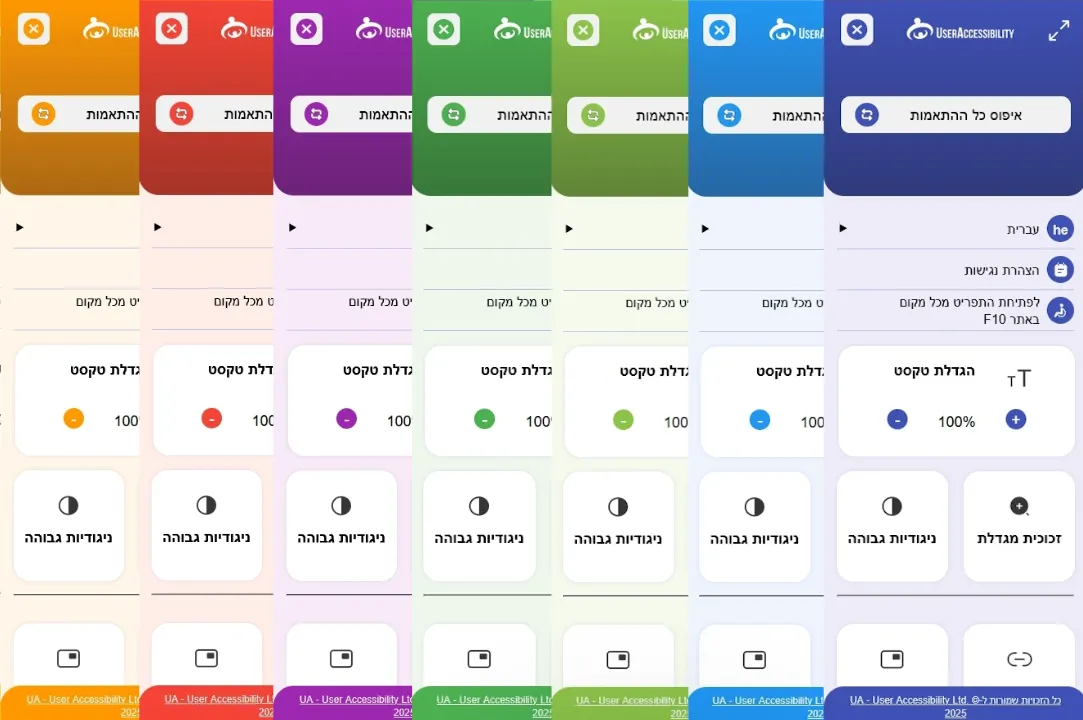
Every tool, in one place
19 customization options that make any website more accessible for everyone
Keyboard focus
When you click a button with a mouse, you can see exactly where your cursor is. Keyboard focus does the same for keyboard users — showing them clearly which button or link is currently active.
Enlarge mouse cursor
Lets less tech-savvy users enlarge their mouse cursor so they can see its location and what it is pointing at more clearly.
Highlight links
It is not always obvious whether text is a link, especially when the styling matches regular text. Highlighting links helps users with low vision tell links and regular text apart.
Right-align text
Users with low vision often struggle to find the start of a line when text is centered. Right-aligning text makes the start of each line easy to find — especially for RTL languages like Hebrew and Arabic.
Left-align text
Users with low vision often struggle to find the start of a line when text is centered. Left-aligning text makes the start of each line easy to find — especially for LTR languages like English.
Readable font
Hard-to-read fonts — particularly serifs — can make reading a struggle. Switching to a more comfortable, dyslexia-friendly font keeps visitors on the site longer and lets them read the content with ease.
Virtual keyboard
Some disabilities — such as paralysis or ALS — make typing on a physical keyboard impossible. A virtual on-screen keyboard lets users type without one. Also helpful when the layout you need is not on your physical keyboard.
Pause animations
Constantly running animations are distracting and can disrupt users with attention disorders. Pausing animations helps users focus on the content instead of the motion, and also helps slower readers and screen reader users.
Accessible print
Printing from the web often pulls in ads and form elements. Accessible print lets users prepare the page for printing — strip out forms, expose link URLs and more. A big help for users with disabilities who need to print specific content.
Magnifying glass
View text in a larger size without scaling the entire site. No special adjustments needed, and no worries about the design breaking.
High contrast colors
For some users, bright white screens cause eye pain. Switching to a high-contrast scheme — such as a black background with white text — makes browsing and computer use far easier.
Terms & phrases
A built-in mini tool that lets users enter any term or phrase and pull up its definition from Wikipedia. Useful for users encountering unfamiliar terminology.
Content reading mask
Users with attention difficulties find it hard to focus on a single spot on the screen. The content mask follows the mouse, dimming everything above and below it so only a small slice of content is visible — making it much easier to focus.
Letter-based navigation
A new method we built to give keyboard users fast navigation between content types — quickly jump between buttons, links and even headings.
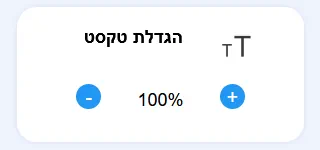
Enlarge text
Enlarging content helps not only users with disabilities but also older readers. It makes reading easier without changing the screen resolution.
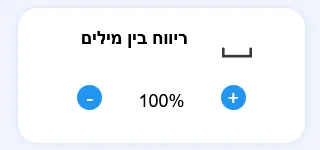
Word spacing
Controls the horizontal space between words. Can ease comprehension for readers with cognitive disabilities or language processing challenges.
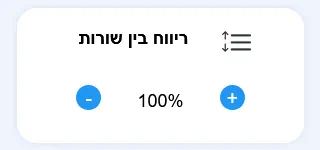
Line spacing
Controls the vertical space between lines. Helps users read more comfortably, especially in areas with dense text.
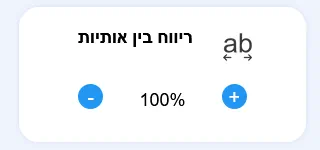
Letter spacing
Increase or decrease the space between individual letters. Designed to improve readability for users with learning disabilities, dyslexia or partial sight loss.
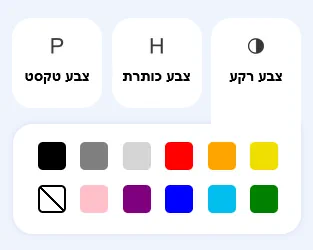
Custom color adjustments
Lets every visitor pick the background, text and heading colors that work best for them. Especially important for users with low vision, light sensitivity or color blindness.
Want an accessibility menu on your site?
Run a free accessibility scan on your site or pick a plan that fits your needs.